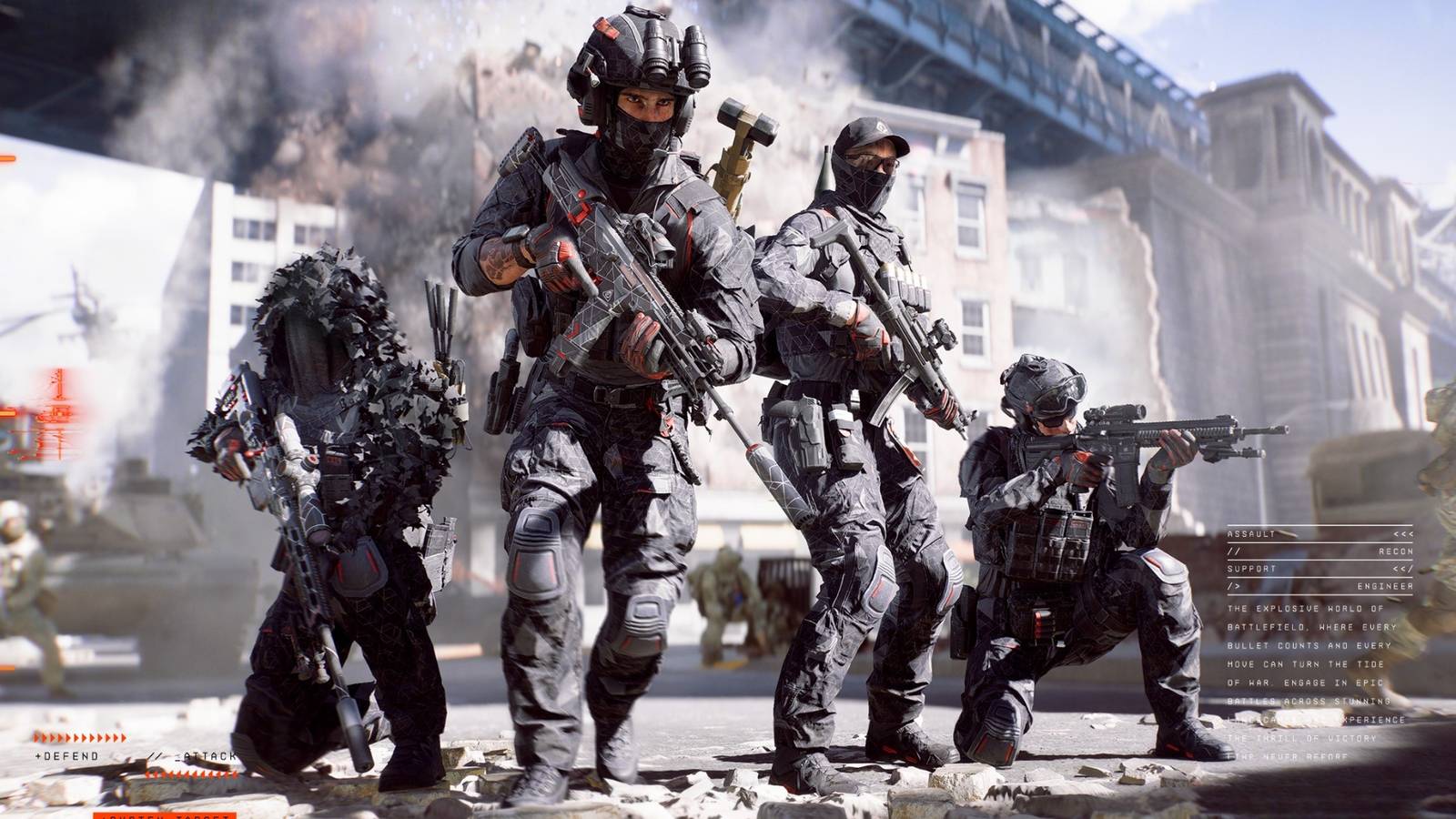
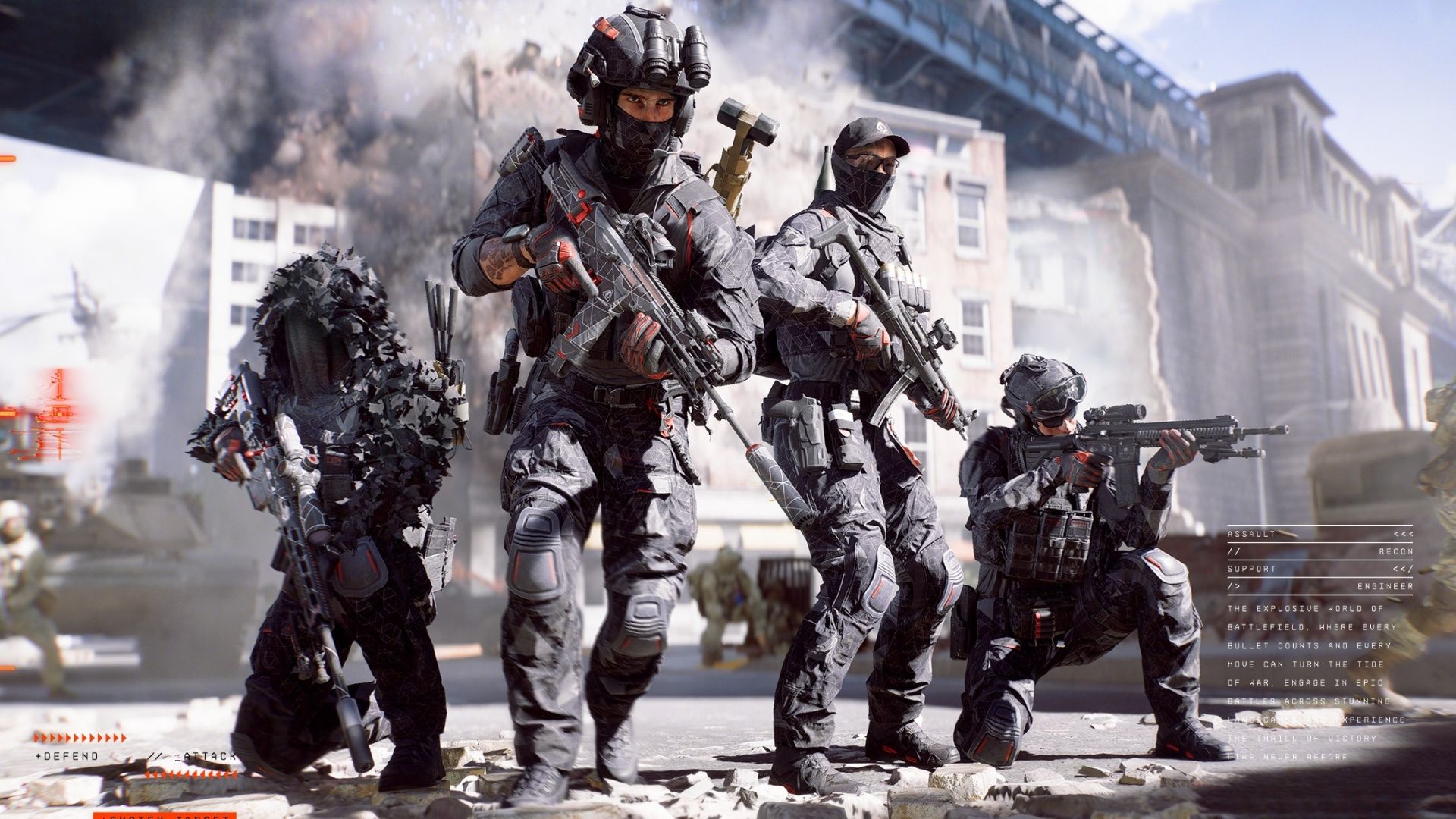
Battlefield RedSec With the launch of has made a stunning debut, bringing more content to explore Battlefield 6 Season 1. In this new free-to-play battle royale, players descend on Fort Linden amid a closing firestorm, battling others until only one is left standing.
Battlefield RedSec Already shaping up to be a robust battle royale experience, players around the world are jumping to see what it has to offer. As the competition escalates, you may find yourself lost in gun battles against enemies equipped with custom loadouts. But, with a little effort You can also earn your own custom weapons Battlefield RedSec. Here's how.
How to set up custom weapons for Battlefield RedSec
Before you can grab custom weapons Battlefield RedSecYou must first Set up the custom weapons you want to use. This can be done in the pregame lobby, and all you have to do is favorite the weapons you want to use. To do this, go to loadouts, select any class, and then click on the weapon equipped for that class. Then, select the weapon you want to use RedSecpress modify, And then press favorite. Doing so will save that custom build and make it ready for use Battlefield RedSec.
All your favorite weapons will appear in their own dedicated favorites section. but, You are limited to 8 favorite weapons at a time, So if you want to add more, you need to de-favorite some of the ones you've already selected.
How to get custom weapons in Battlefield RedSec
To get your custom weapon Battlefield RedSecYou will need it Find a custom weapon drop. These will be Drop onto the map at various intervals throughout the match, Especially when a new safe zone appears. They will have their place Shown on both the map and your HUD when you get close to one.
Once you find a custom weapon drop, go to it and Press the interaction button to open it. Here, you will be able to First choose any weapon you like, Complete with attachments, camos, and other customizations you equip. However, players are limited to one weapon per drop, so make sure to choose the one you really want to use.
All team members can use custom weapon drops. However, enemy players will also be watching for these drops, so be sure to stay alert and clear the area to avoid being shot in the back.
