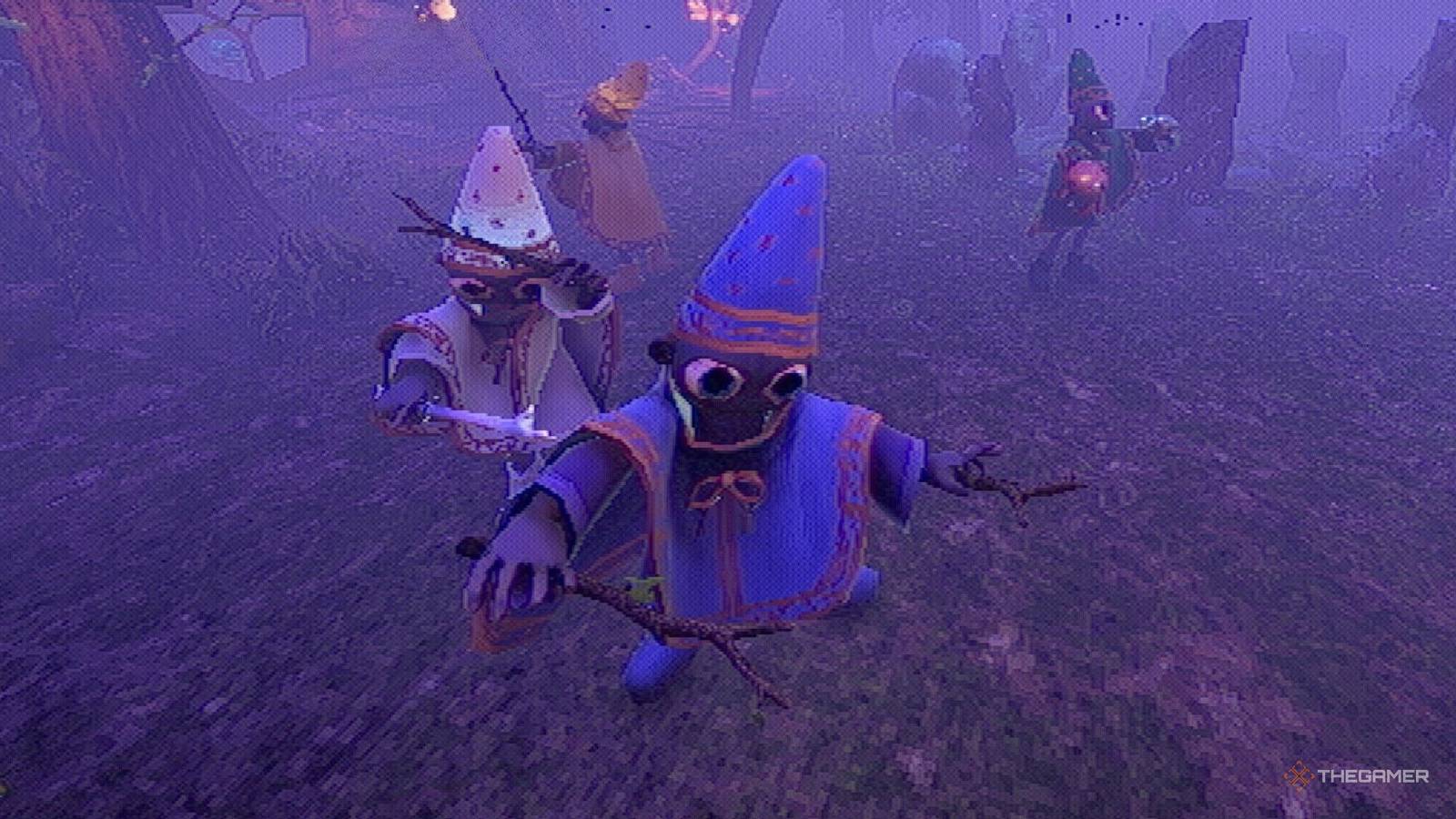
YapYap It's the kind of game that feels like it's designed to be played with friends, ideally with everyone yelling and spelling mistakes. Multiplayer is central to the experience, but some of its systems aren't immediately obvious when you first jump in. From getting a party together to understanding how the game handles collaboration behind the scenes, a little preparation goes a long way to smooth sessions.
If you plan to dive into YapYap with other players, it helps to know how things work before the madness begins. This guide walks you through the essential multiplayer mechanics so you can spend less time troubleshooting and more time controlling the disaster with your favorite wizards.
How to invite friends

Once you load into the game, Head inside the Wizard Tower and Look in the middle of the roomwhere you will find an orb. Interacting with this orb Steam opens the invite interface, which allows you to Send game invites to people on your friends list.
You must have Steam friends to invite someone. A single lobby can support a total of five players.
If you are the recipient of the invitation, Make sure you are currently on the lobby screen When you accept it. Accepting an invite while already in a race may prevent the game from placing you in your friend's lobby.
When everything works right, You should be pulled straight into the same lobby And the rest of the group appears inside the Wizard Tower.

Skate: Multiplayer Guide
Ready to shred with your crew?
Is it crossplay?

currently, YapYap does not support crossplay or Cross-progress. The game is only available on Steam, which means All players must be on PC or Steam deck and Using Steam to play together.
there is There is no way to link progress between platforms Or join friends on other systems, so every multiplayer session takes place within the same Steam ecosystem.
How to revive friends

If a teammate dies during a race, they're not gone forever. to revive them, Your group should find a room to call. It is a large chamber Circular platform In the center, surrounded Large sculpture faces on the walls. It will appear in different places on each map, so you need to look for it.
You don't have to drag your fallen friend's body onto the circular platform. They will appear there automatically.

After entering, Large red letters will appear on the screen. These letters act like spellcasting prompts. Use your microphone who Clearly read the words as they appearFollow the same rules you would use when casting any other spell in the game. Successfully completing the song will revive your teammate and allow them to rejoin the action.

Schedule 1: Multiplayer Guide
Playing Table 1 with friends can be a challenge to figure out at first.
