in Pokemon PokopiaPlayers have many areas that they must rebuild and improve so that more Pokemon are able to return to their habitat and live a comfortable life. These are very extensive, and many different Pokemon types can be seen in each habitat.

How to Find Pokemon in Pokopia
Pokopia players can use the search function to locate their missing Pokemon, which can come in handy if they need to use its skill.
Whether players are looking to befriend a particular habitat or are curious to see what the Pokemon in their decks are doing, security cameras make it much easier to manage the world. Pokemon Pokopia. This guide tells players everything they need to know about setting up and using security cameras Pokopia.
How to get security cameras in Pokopia

Before installing your security camera PokopiaPlayers must purchase them. Gamers can purchase security cameras in the PC's shop for 100 Life Coins each.
How to use security cameras in Pokopia
Security cameras are a great way to keep an eye on Pokemon, habitats, or areas, making it easier to manage your crops, find undetected Pokemon, and more. This way, players can be notified if something interesting happens, so they are able to check them out without having to physically go there.
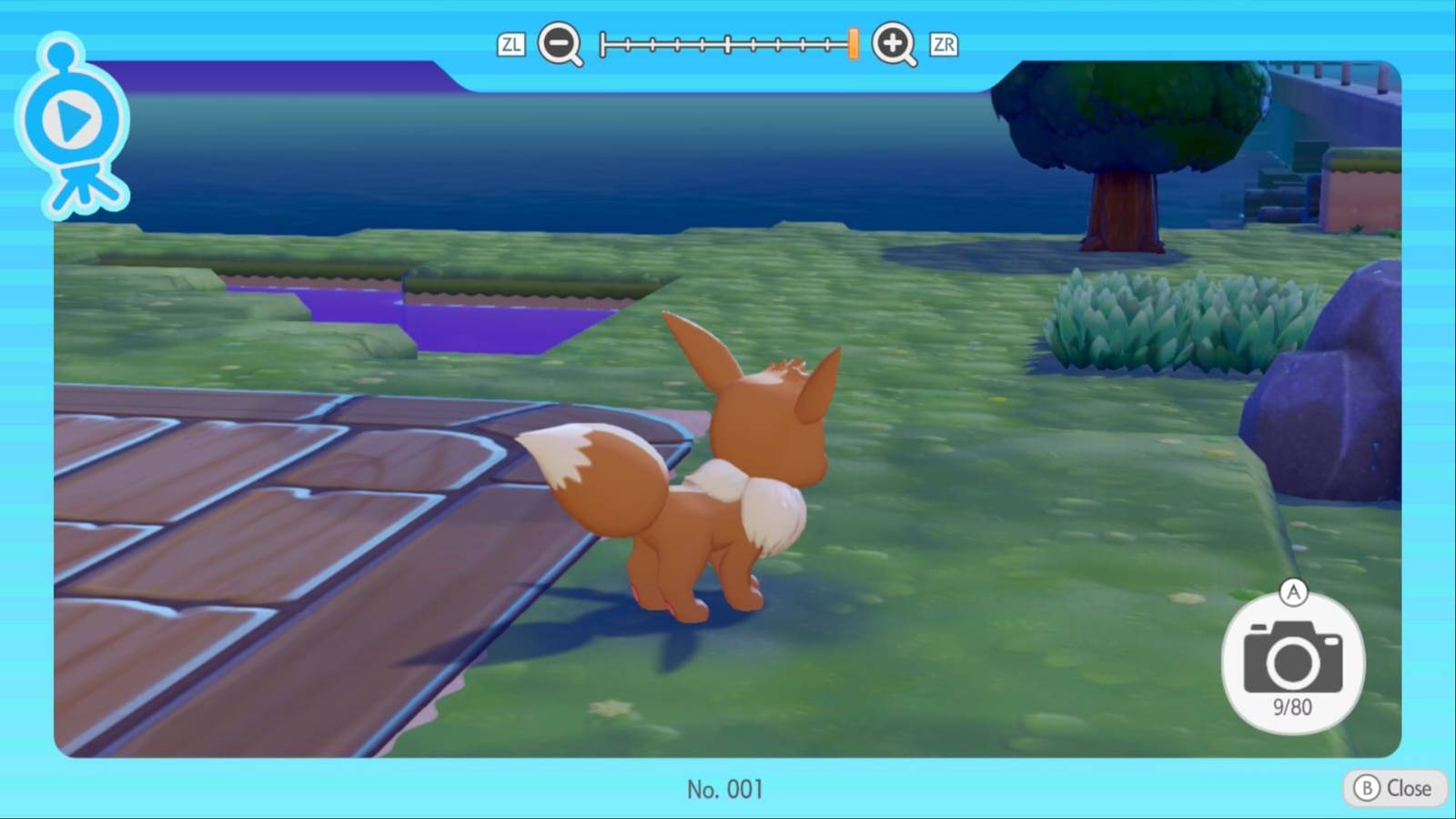
To use a security camera, players must place it near the location they want to monitor. They can inspect it after putting it down to see the captured scene. Within the security camera menu, they can change its angle, zoom in or zoom out, and take a picture.
Gamers can watch inside the live feed of security cameras Pokopia By opening their Pokédex menu, selecting the Camera app, and then entering the Security Camera tab. If they have more than one camera, they can cycle through each one's feed.


- issued
-
March 5, 2026
- ESRB
-
Everyone / users interaction, in-game purchases

