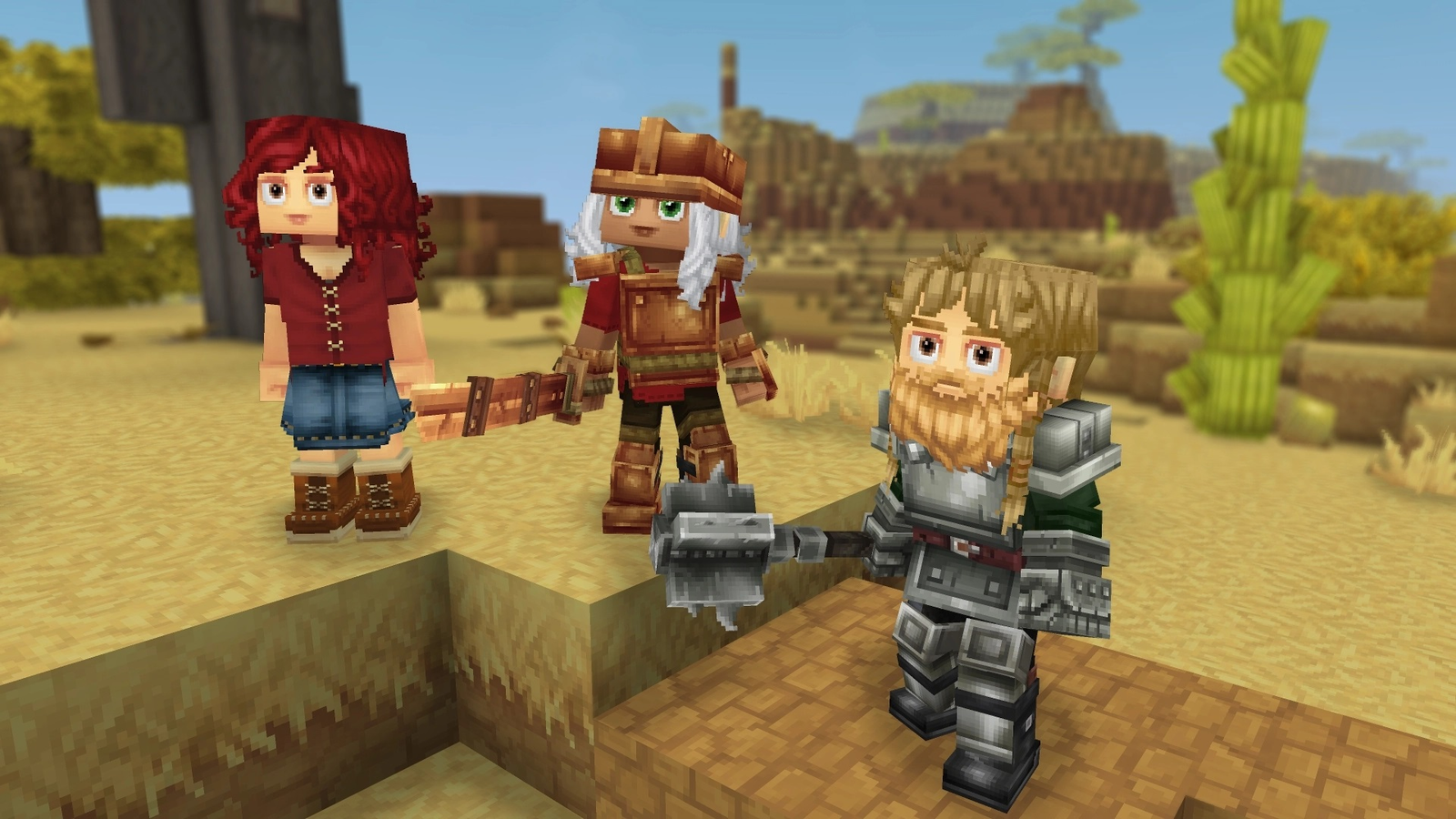
Hytale It's a huge game with lots of places to explore, monsters to fight, and stuff to discover. While the game is entirely doable solo, having a few friends around can make progress feel much smoother, the experience more enjoyable, and the challenges less daunting. Despite being an Early Access game, Hytale It's perfectly capable of providing lobbies for players who want to experience the game with a select few, and if you're looking to set up a server for your friends, here's what you need to do.

How to get Linen Scrap in Hytale
Linen scraps are a very important crafting material for the early stages of hightail. Here's where to find them.
How to play Hytale with friends only

Just to make friends Hytale server, You first need to create a world and enter single player mode. Once you've loaded the game, do the following:
-
Press Escape.
-
Select the online play option
-
Set the Allow Other Players to Join option to On.
-
Set a password (optional).
-
Set the password included in the share code to On (also optional).
-
Press the Save button.
-
Once the game generates the shared code, click Copy to Clipboard.
-
Share code with your friends.
This will turn your single player world into a listening server that anyone with a share code can join. You should now be able to explore the world and do stuff together. Your friends are only able to join when you're hosting the game, though.
As stated in-game, the generated share code contains your computer's IP address. Make sure you only give the code to people you trust. Otherwise, your PC may be hacked by malicious actors.
How to join friends with share code

-
Go to main menu.
-
Select the Server button.
-
Click the Join Via Code button.
-
Get the friend's share code and paste it in the box that appears.
This should bring you to your friend's server without issue, Provided there are no complications with your or host's NAT types and Internet connections. If the Join via code option doesn't work for any reason, try the Direct Connect button instead.
If you run into NAT-related connection errors, you or your friends may need to port-forward your routers to 5520. Instructions on how to do this vary per router model. Alternatively, use tunneling apps like Hamachi and Radmin.
Dedicated server hosting

Players who want to host Hytale Worlds that everyone can join at any time will be essential Rent a dedicated server from third-party providers. Choose any trusted provider that allows Hytale Hosting, then get the IP address of your newly-created server. Copy it, then return to the game.
In the Servers menu, click the Add Server button, then paste your server's address there. Add a name as well so you don't mix things up. When the server appears in the game's server list, you should be able to join it. Make sure to send the server address to your friends as well.
