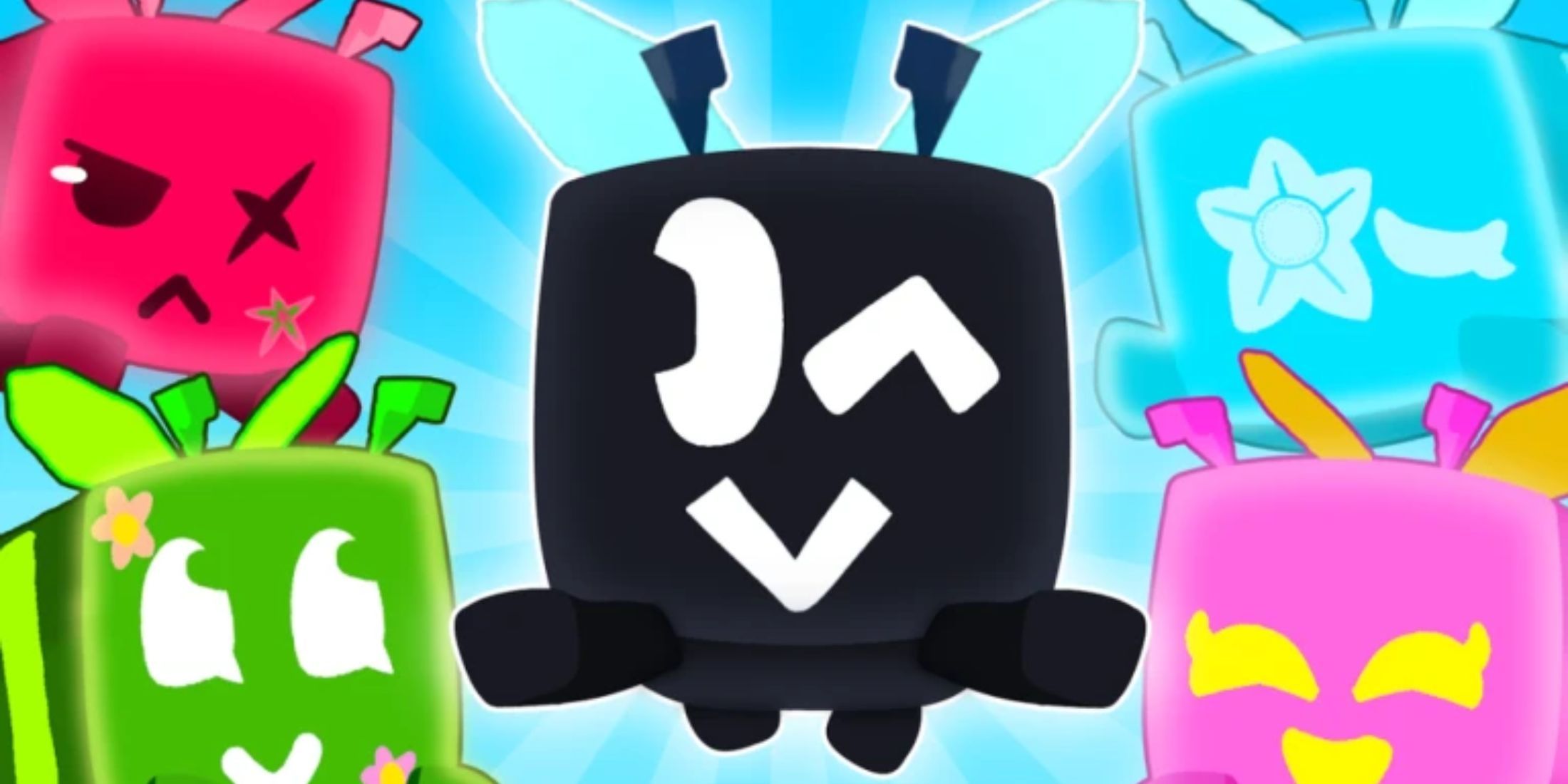
B Masters Simulator A simple but interesting time-killer adventure game with simple mechanics and concepts that are often found in others Roblox Games. Here, you need to travel from location to location, collect resources and currency and manage your bee army.
To achieve the desired goals in the game faster, you can redeem B Masters Simulator Codes. Rewards from them, such as robux tokens, will certainly not be superfluous and will help your development.
2:28

related to
Roblox: Build a Boat for Treasure Codes (Jan 2025)
Players looking to get some free gold, blocks and other building materials for building boats for Roblox treasure can find them here.
All Bee Masters Simulator Codes

Working Bee Masters Simulator Codes
- Sorry 50 times – Redeem this code to get 50 Robux Tokens.
Bee Masters Simulator Codes Expired
Currently, all B Masters Simulator Codes are active, so redeem them quickly to claim your rewards before they expire.
Redeeming B Masters Simulator Codes are a convenient and easy way to get a bunch of free stuff instantly in this amazing game. This will be especially useful if you are a beginner, as the rewards you receive will serve as a decent start-up capital to help you develop further.
2:04

related to
Roblox: PLS Donate Codes (Jan 2025)
In this article, Roblox players will find a list of all the codes that work for PLS donations, as well as how to redeem them.
How to redeem codes for Bee Masters Simulator

Developers of B Masters Simulator A simple redemption system has been implemented, so you shouldn't have any problem getting rewards. If this is your first time, we have created a step-by-step guide that you can use to understand how it works:
-
Launch B Masters Simulator.
-
Pay attention to the left side of the screen. There will be several buttons arranged in two rows. Among them, interact with the first in the second row.
-
This will open the escape menu. There will be an input field and a blue Redeem button below it. Now, enter one of the working codes in the input field.
-
Finally, click on the blue Redeem button to submit your reward request.
If everything is done correctly, you will see a notification on the screen with a list of received rewards. If it's not working, make sure you didn't make any mistakes while entering Roblox Code manually, or insert extra space when copying and pasting
How to get more B Masters Simulator Codes

New codes will be added to this article regularly as more codes are released. An alternative is to visit the developer's Discord server, or the other official social media pages listed:

- issued
-
September 1, 2006
- developer(s)
-
Roblox Corporation
- publisher(s)
-
Roblox Corporation
- ESRB
-
T for teenagers
