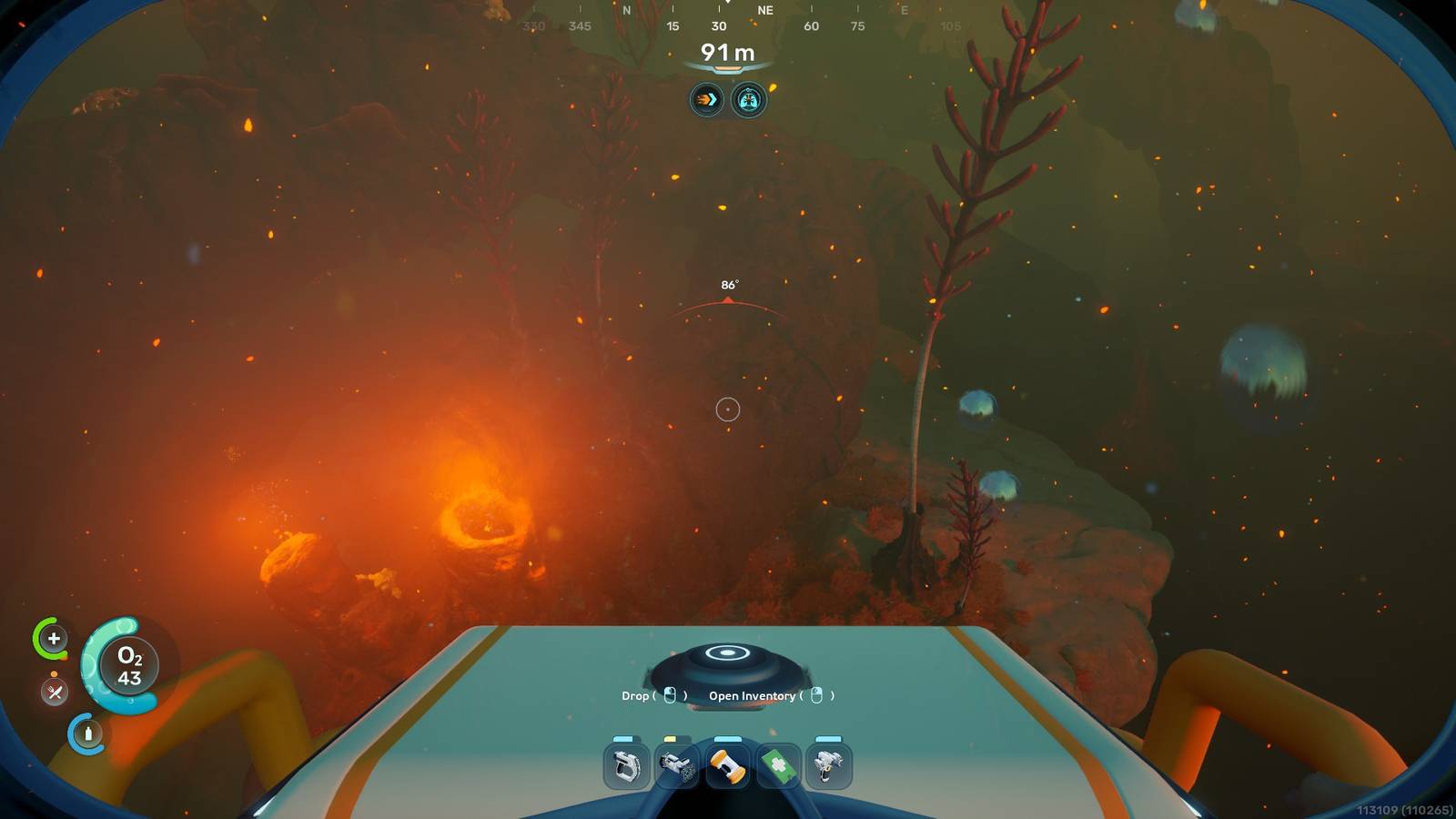
Inventory space fills up quickly Subnautica 2Especially when you're trying to get established in the early game. Crafting materials, tools, and consumables all compete for limited slots. However, in inventory management Subnautica 2 Once you start taking advantage of portable lockers, unlocking more slots, and carrying only what you need becomes much easier.
Best beginner inventory management tips
Take these actions to deal with a tough list in the early game:
-
Carry a portable locker with you for 15 more inventory slots.
-
Find colonist bunkers and use the biobeds inside them for permanent inventory upgrades.
-
Don't skip metal salvage unless you need titanium.
-
Gather only what you need for the recipes you're currently working on.
-
Don't take tools and consumables that you won't use on every outing.
-
Build the lockers on your base as you install.

Subnautica 2 Buyer's Guide for Early Access
Subnautica 2 launches in Early Access on May 14 with co-op multiplayer, Game Pass support, leviathans, vehicles, and a year of planned updates.
Portable lockers are key at first

You'll run into portable lockers while exploring caves and structures. There's also a portable locker at the bottom of the cave directly below the lifepod, making it one of the earliest and easiest inventory upgrades to grab.
These containers have 15 slots, and you can carry one around with you and hide items in it while exploring. While you can't use equipment while you're holding a locker, the extra inventory slots are worth the drawback, especially at the start, as they extend how long you can explore before returning to the Lifepod to dump resources.
When you return to LifePod with a full inventory and portable locker, you can offload your contents to a wall locker or leave a container full of items there. Once you've unlocked and built housing equipment, you'll be able to build more portable lockers before building a base, and it's a great way to stay organized in the early game.
You'll eventually be able to attach a portable locker to a vehicle, making it easy to carry around during deep exploration.

You can unlock additional inventory slots by interacting with Biobeds within Colonist Bunkers. Unlike portable lockers, biobeds permanently expand your inventory capacity, making them one of the most valuable features in the early game.
You'll find colonial bunkers hidden in caves as you explore, and underwater light fixtures can lead you to them. Additionally, some of the early black box waypoints given by NOA are inside the Colonist Bunkers, and you should make sure to use the Biobed while there.
Focus on inventory management with expansion

While the following tips won't directly increase the size of your functional inventory, they're worth keeping in mind if you're struggling with inventory management:
Keep the metal salvage intact until you need the titanium
You'll need a lot of titanium during your time with the game, as it plays an important role in base building, vehicle production, and beyond. One way to get titanium is to break down metal salvage, which you'll find all over the environment at the fabricator. A single metal salvage only takes up one inventory slot but provides four titanium when processed, so you should avoid breaking it unless you really need the titanium.
Use pinned recipes to inform your gathering
While it's tempting to collect every resource you see, targeting the materials you need the most is the best way to minimize inventory space issues. You can easily keep track of the ingredients you currently need by pinning the recipes you're working on through the Blueprints menu. Simply right-click on any item you're trying to craft to pin the required materials to the top-right corner of the screen.
Hot Bar is an extension of your inventory
Equipment and consumables can be inserted into the hot bar at the bottom of the screen, effectively giving you five additional inventory slots. This gives you some flexibility with equipment and consumables, although you still have to think about what you're bringing with you on the outing. For example, if you are planning a gathering trip, it is best to keep the water in the hot bar slot and leave your accommodation builder at home.
In general, try to travel light, bringing only things you will need during a particular outing.
Build lockers at your base
Once you have installed the base, use the housing tool to place some lockers on it. Wall lockers are particularly easy to build, although floor lockers offer more space. After setting up some fixed lockers, you can use the portable lockers you've collected to easily transfer materials from the Lifepod to your base.



- issued
-
May 14, 2026
- ESRB
-
Everyone 10+ / Language, fantasy violence
