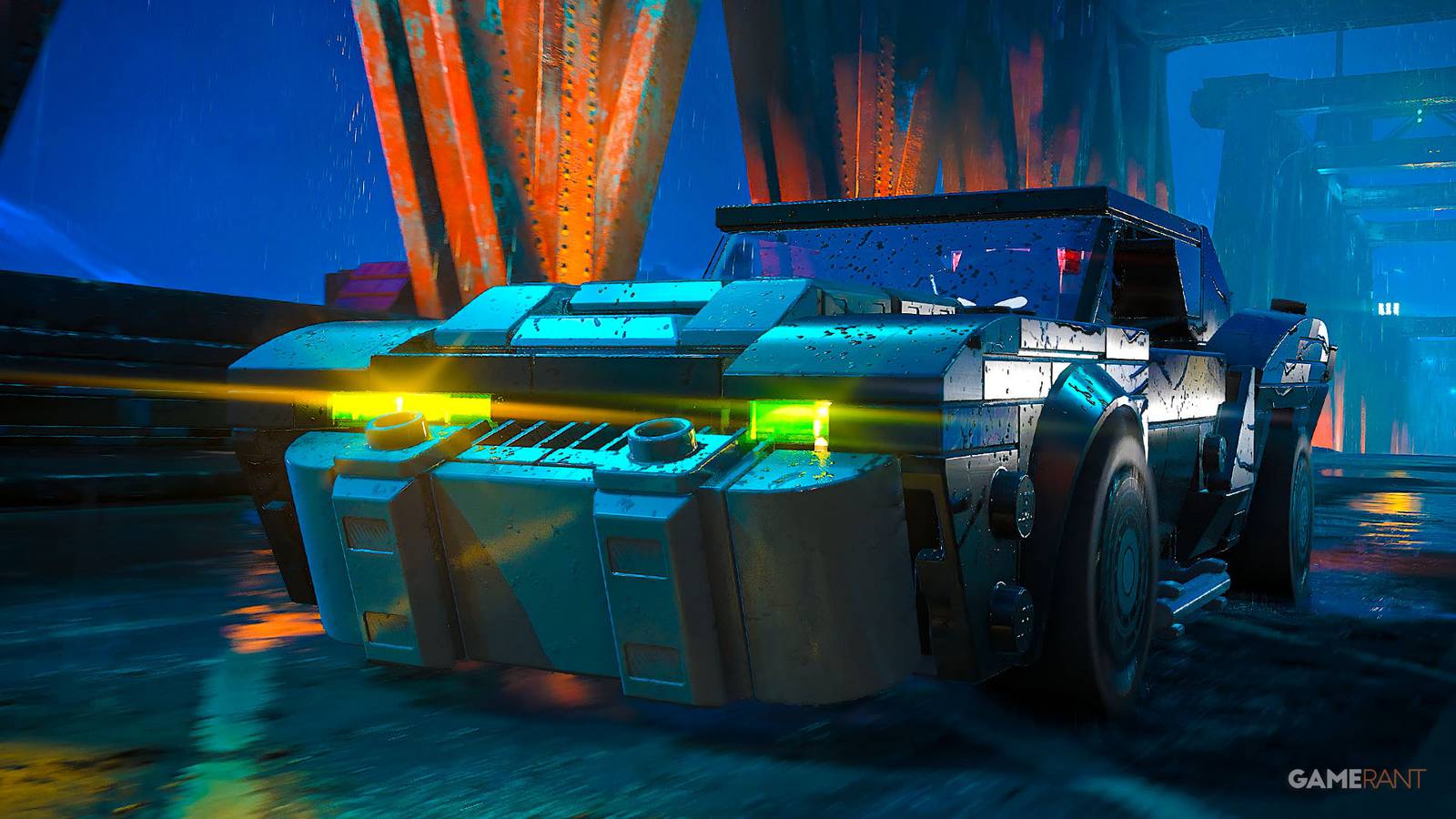
The Batmobile has become one of Batman's most iconic pieces of equipment over the years, especially since its main focus. Arkham Games where vehicle combat and Gotham exploration became a core part of the gameplay. That's where the idea comes in LEGO Batman Legacy of the Dark KnightWhere the Batmobile plays a major role in traversing the city and fighting enemies. However, the vehicle is not available from the start of the game.
The guide below covers information on vehicle upgrades, customization options, and more Batmobile-related features when the Batmobile is unlocked.

All vehicles in LEGO Batman: The Dark Knight's Legacy (how to unlock and change vehicles)
Take a look at each vehicle and how to unlock them in LEGO Batman: Legacy of the Dark Knight!
How to unlock the Batmobile in Lego Batman Legacy of the Dark Knight?

The Batmobile is unlocked during the game's first chapter. Before gaining access to it, players first need to complete the prologue, where Bruce Trains with the League of Assassins and learns the ways of the ninja. After the prologue, Bruce returns to Wayne Manor and finally discovers the Batcave. From here, players will continue to “IntrusionMission, where many collectibles, including surfboards, can be found throughout the area.
As soon as this mission is completed, the Batmobile becomes available. This vehicle allows players to freely explore the streets of Gotham at ground level. While driving around, you can destroy lamp posts, signs, boxes, and other environmental objects to collect. Studs.
There is also a boost option that greatly increases your speed, although using it makes steering very difficult. If the Batmobile gets stuck on objects or rough terrain, you can quickly respawn it.

Later in the game, additional vehicle-related upgrades become available through story progression or the skill tree. These upgrades include firing missiles at enemy vehicles, knocking enemies back, and launching yourself directly from the Batmobile into a gliding stance.
How to change vehicles?

The default Batmobile already looks great, players can customize its appearance by pressing through the character selection menu located on the side of the map. Triangle in PlayStation or Y in Xbox Controllers. This menu includes several cosmetic options for players who own the Deluxe Upgrade.
If you don't own the Deluxe Edition, continue playing until the start of Chapter 2, where many of the Batcave features are unlocked. is one of these garagewhich allows players to purchase and test drive new vehicles.

- issued
-
May 22, 2026
- Franchise
-
Lego Batman
- PC release date
-
May 22, 2026
